

Anthropic Claude
What you need
- a Claude environment that supports remote MCP servers
- your Colabra account
- the production remote MCP URL:
https://api.colabra.ai/mcp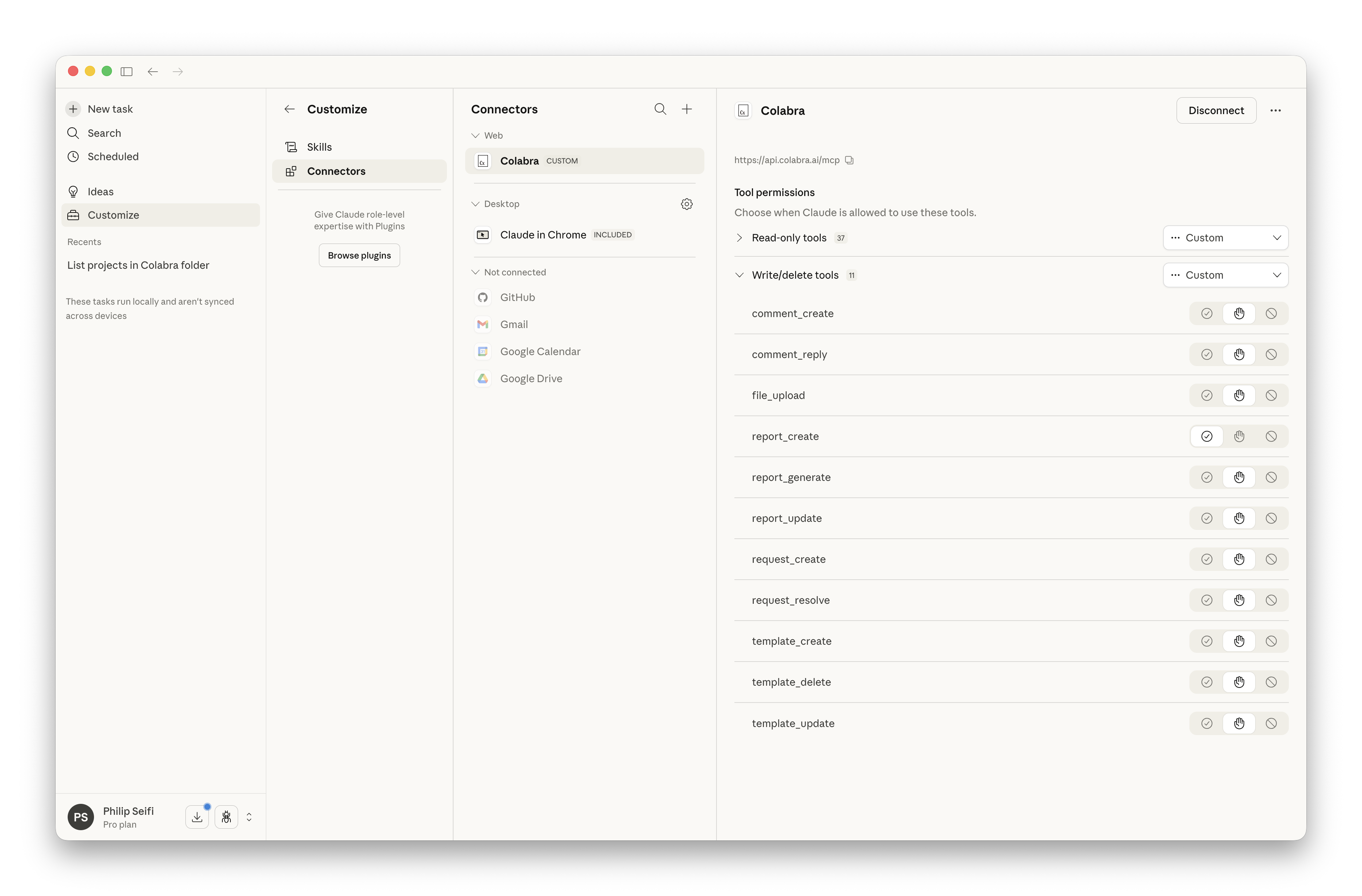
When to use Claude with Colabra
Claude is a strong fit when the team wants longer-form reasoning or writing against live project context: issue summaries, workstream syntheses, market-context overlays, and report drafting that still needs to stay grounded in the evidence base.
External research plus internal evidence
Real deal example: market context without losing the deal record
A team wants to compare target claims against external market context, then roll that into an evidence-backed draft memo. Claude can do the synthesis, while Colabra MCP keeps the actual files, findings, requests, and report draft anchored to the live project.
Setup in Claude Code
- Add the Colabra server as a remote HTTP MCP server:
claude mcp add --transport http colabra https://api.colabra.ai/mcp- Start Claude Code and run
/mcp. - Select the Colabra server and follow the browser OAuth flow.
- After authentication, Claude Code can call the Colabra tools directly from the project session.
Setup in Claude or Claude Cowork
- Add a new remote MCP server in the Claude product you are using.
- Select remote or HTTP MCP if Claude asks for a transport type.
- Paste
https://api.colabra.ai/mcp. - If Claude asks for manual OAuth fields, use the endpoints on the MCP page.
- Sign in with Colabra and approve access.
Result
Claude can then use Colabra through MCP against the user-approved workspace context.
Ask it to inspect files, findings, requests, and reports directly rather than pasting excerpts into chat. That is where the connection stops being a convenience and starts becoming a real workflow improvement.